
FutureGrid is live: a private visual planner for iPhone and iPad
FutureGrid · by Rule Mobile
See your next grid before you post.
FutureGrid gives creators and agencies a private workspace to arrange a visual profile, draft captions, plan carousels and Reel covers, and prepare work for client review.

Available for iPhone and iPad · iOS / iPadOS 17 or later · Free with in-app purchases

- No FutureGrid account
- No social-media login
- Drafts stored on your device
A look inside FutureGrid.
Explore the grid, profile preview, and links view. Select a screenshot to see it larger.
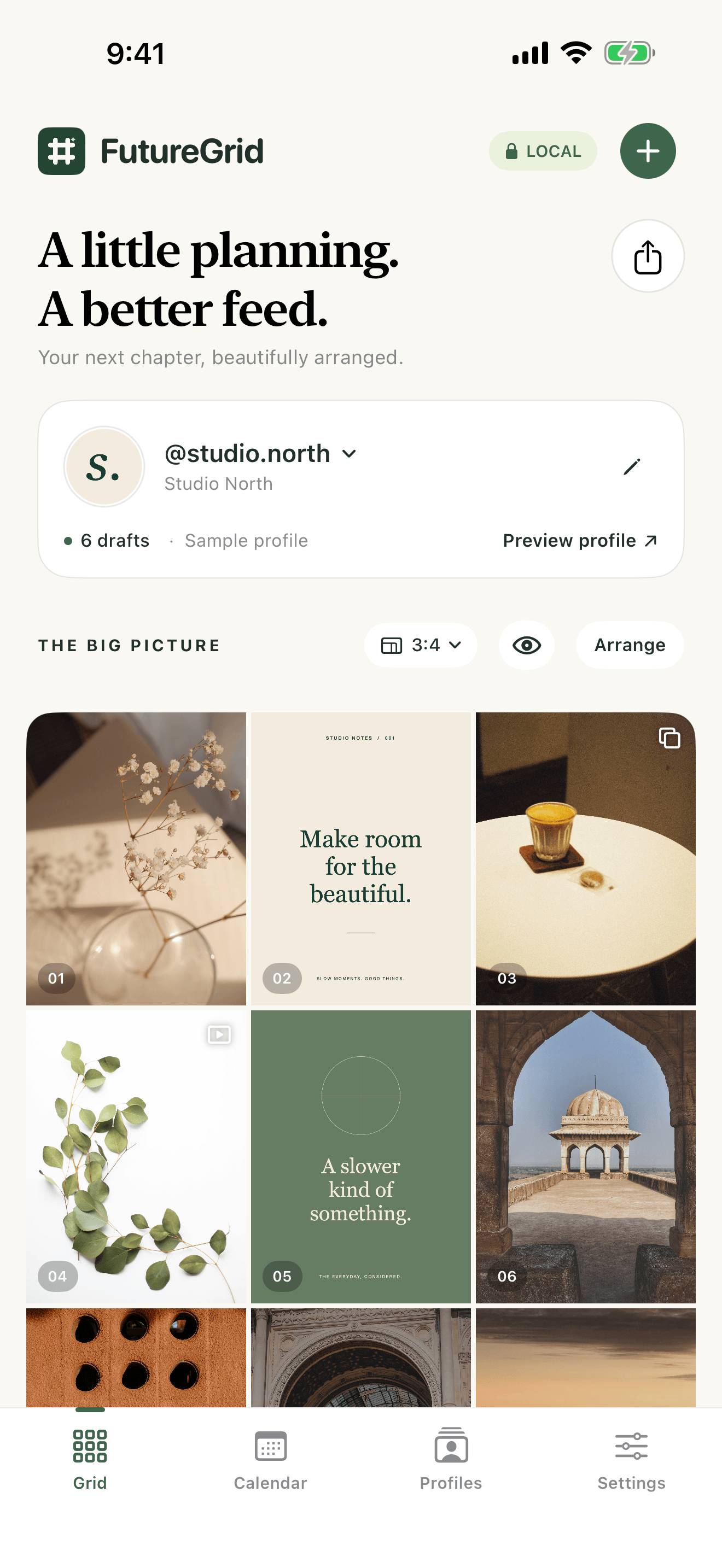
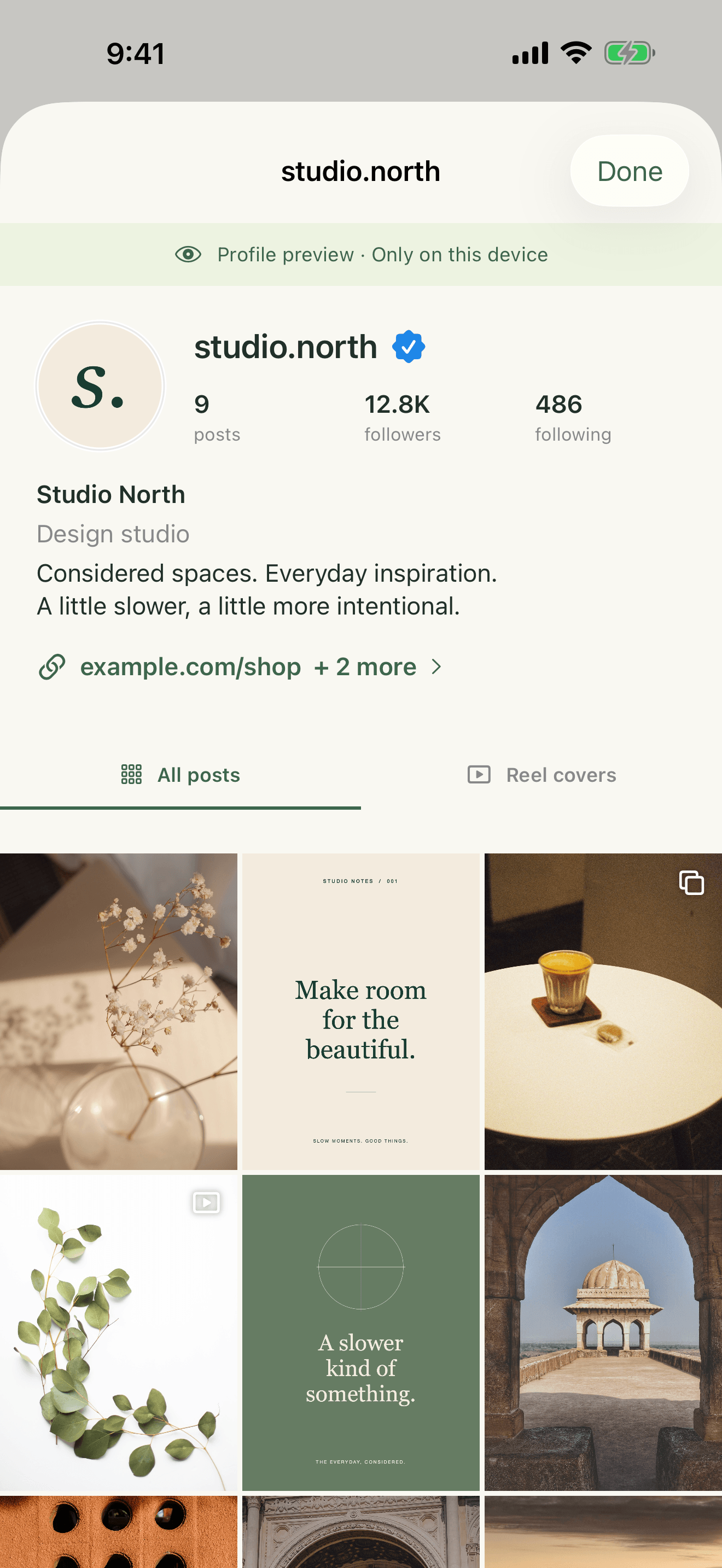
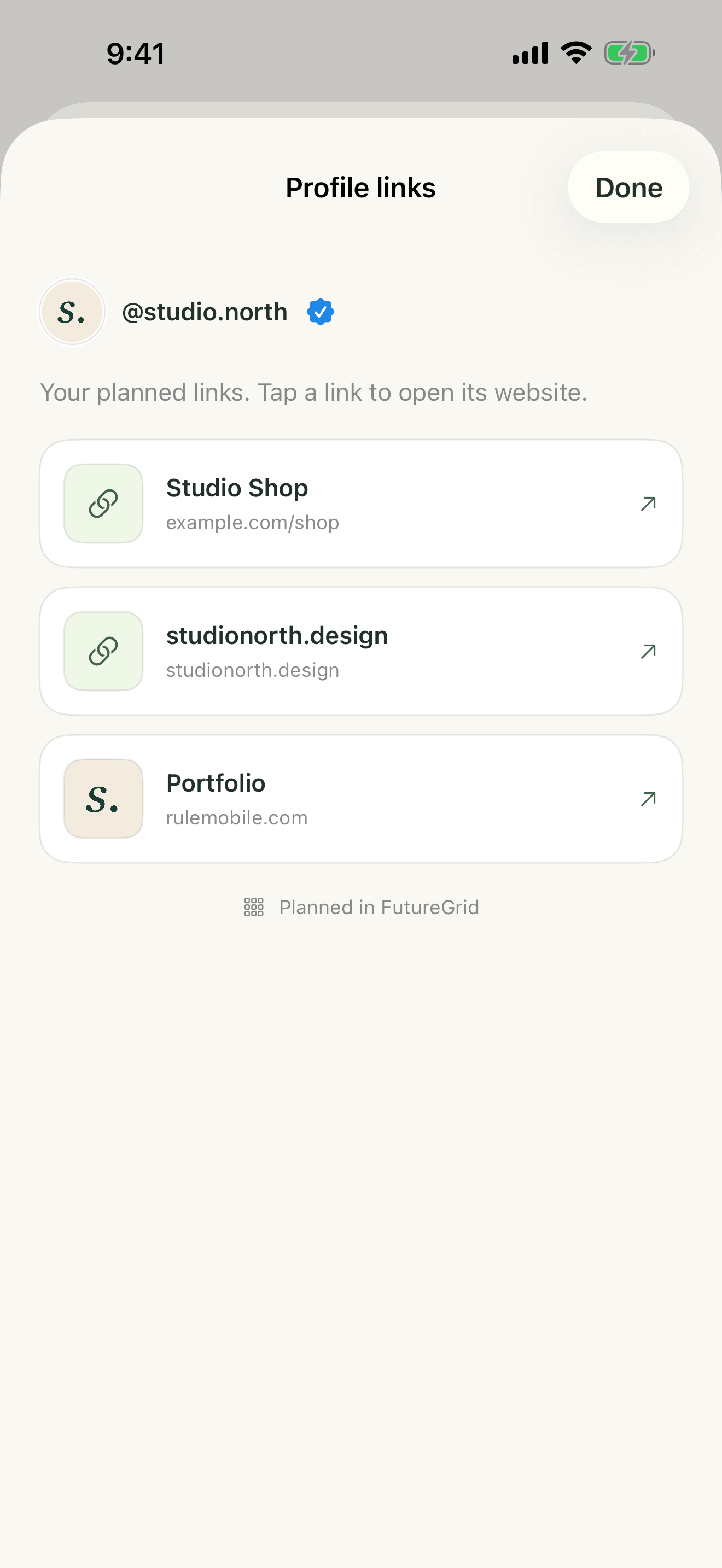
Screenshots show Studio North sample content. Profile statistics and the verification badge are simulated planning details.
Build the whole picture.
- Arrange your profile. Import photos, move posts into place, and preview a portrait or square grid before making anything public.
- Keep each draft together. Write captions, reorder carousel slides, adjust preview crops, and set a local reminder to return to a post.
- Plan the Reel cover. With a paid plan, select a photo or a frame from a video. FutureGrid keeps the chosen cover image; it does not edit or publish the video.
- Prepare client reviews. Agency and Lifetime include image and PDF exports of profile previews. Choose when and where to share them.
Your planning library stays local.
Profile details, drafts, captions, and planning images are stored on each device. FutureGrid has no account system and no cloud sync. Standard device backups may include app data according to your Apple settings.
Purchases use Apple’s payment system. Photos you save and exports you share follow the settings and destination you choose.
You make the final post.
When a draft is ready, FutureGrid can save its planning images to Photos, copy the caption, and open Instagram. You select the images, paste the caption, and publish there. Reminders bring you back to a draft; they do not publish it.
Planning images are optimized copies. Keep your originals if you want to publish at their original quality.
Start free. Add room when you need it.
Free
One profile, up to 12 grid posts, and caption drafting.
Creator
Up to three profiles, unlimited posts, and Reel cover planning.
Agency
Up to 20 profiles, Creator features, and client exports.
Lifetime
Unlimited profiles and all Agency features with one purchase.
Creator and Agency are annual auto-renewing subscriptions. See current regional prices in the app. A Lifetime purchase does not automatically cancel an existing annual subscription.
