
 Rule Markdown
The .md file reader · Mac · iPhone · iPad
You keep seeing .md files.
We make them readable.
AI plans. Agent instructions. The README you need to read. Open them as clear, formatted documents on Mac, iPhone, and iPad. Your original files stay unchanged.
 iPhone
 iPad
 Download on the App Store
Free on the App Store for Mac, iPhone, and iPad.
Made for the files in your workflow
Your AI wrote a plan. Give it a proper read.
Ask an AI tool for a plan, save it as Markdown, and open the .md file in Rule Markdown. Follow the headings, check the details, and keep the next steps in view while you work.
Project Plan.md
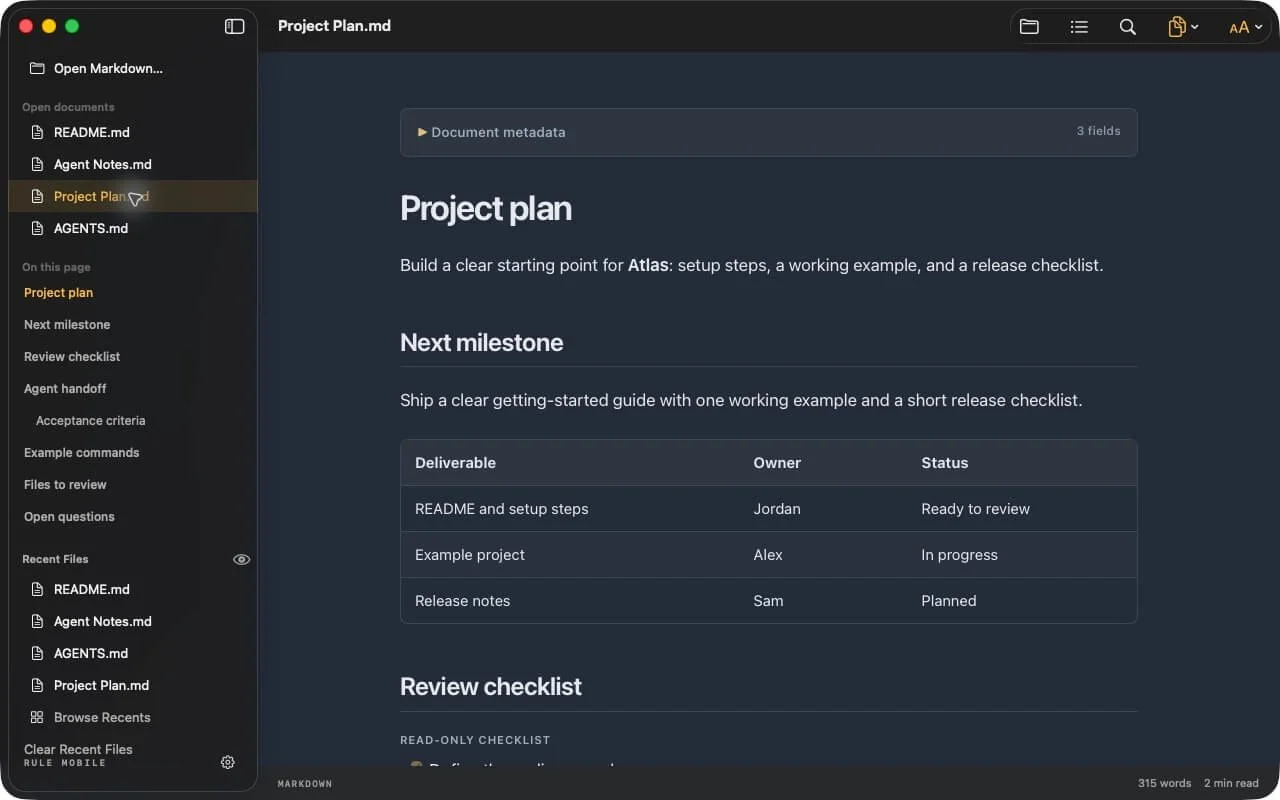
Read the milestones, follow the checklist, and review the next steps before you begin.
AGENTS.md
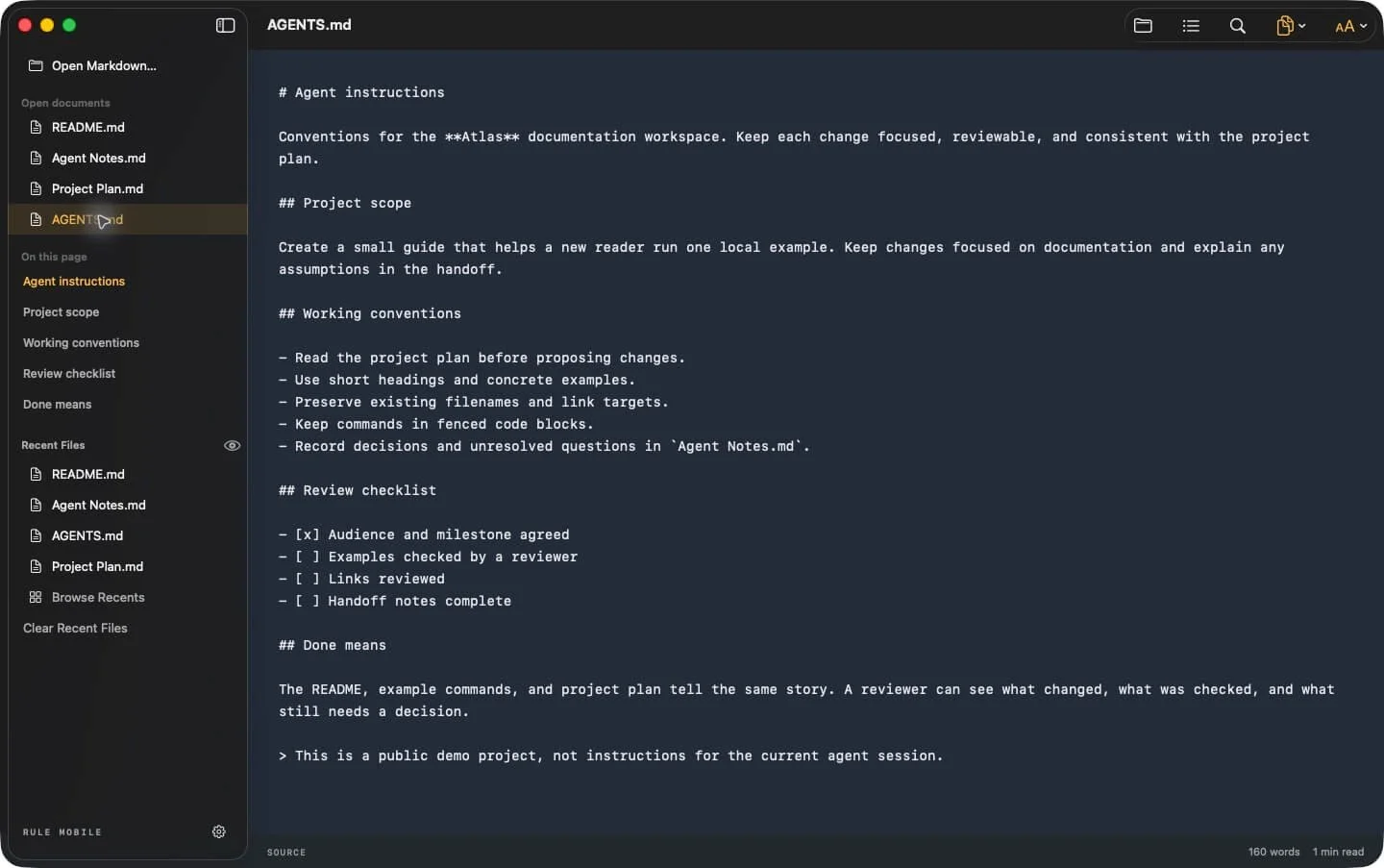
Read the project instructions and conventions used by your coding agent.
README.md
Find the setup steps, understand the project, and keep its examples close by.
Switch to Source whenever you want to inspect the original Markdown.
Open the file. Get to the useful part.
Find your place.
Jump between headings with the outline. Search for a phrase. Read tables, lists, footnotes, and code with the formatting in place.
Copy it. Use it.
Copy a code block, selected text, or the rendered document. Copy Document offers Plain Text, Formatted Text, and HTML.
Make room for the words.
Choose twelve palettes, plus System appearance. Adjust the text size and turn code line numbers on or off.
Pick up where you left off.
Keep six recent entries in the sidebar. Browse Recents searches up to 50 saved file references by name or location.
Read alongside your editor.
Review saved changes while keeping your place where possible. Reload Document refreshes the saved file and its preview.
Keep the original intact.
Rule Markdown is a viewer. Your files stay unchanged, and task boxes show their saved state. Use your editor to make changes.
From .md to a formatted page
How do I open a .md file?
A .md file is a plain-text document written with Markdown formatting. A text editor shows the source; Rule Markdown presents the supported formatting as a page. Once the app is installed, choose the file on your device.
On Mac
Right-click the file in Finder, choose Open With, then Rule Markdown. You can also drag a Markdown file into the app. Enable the included Quick Look extension for a formatted Spacebar preview.
On iPhone
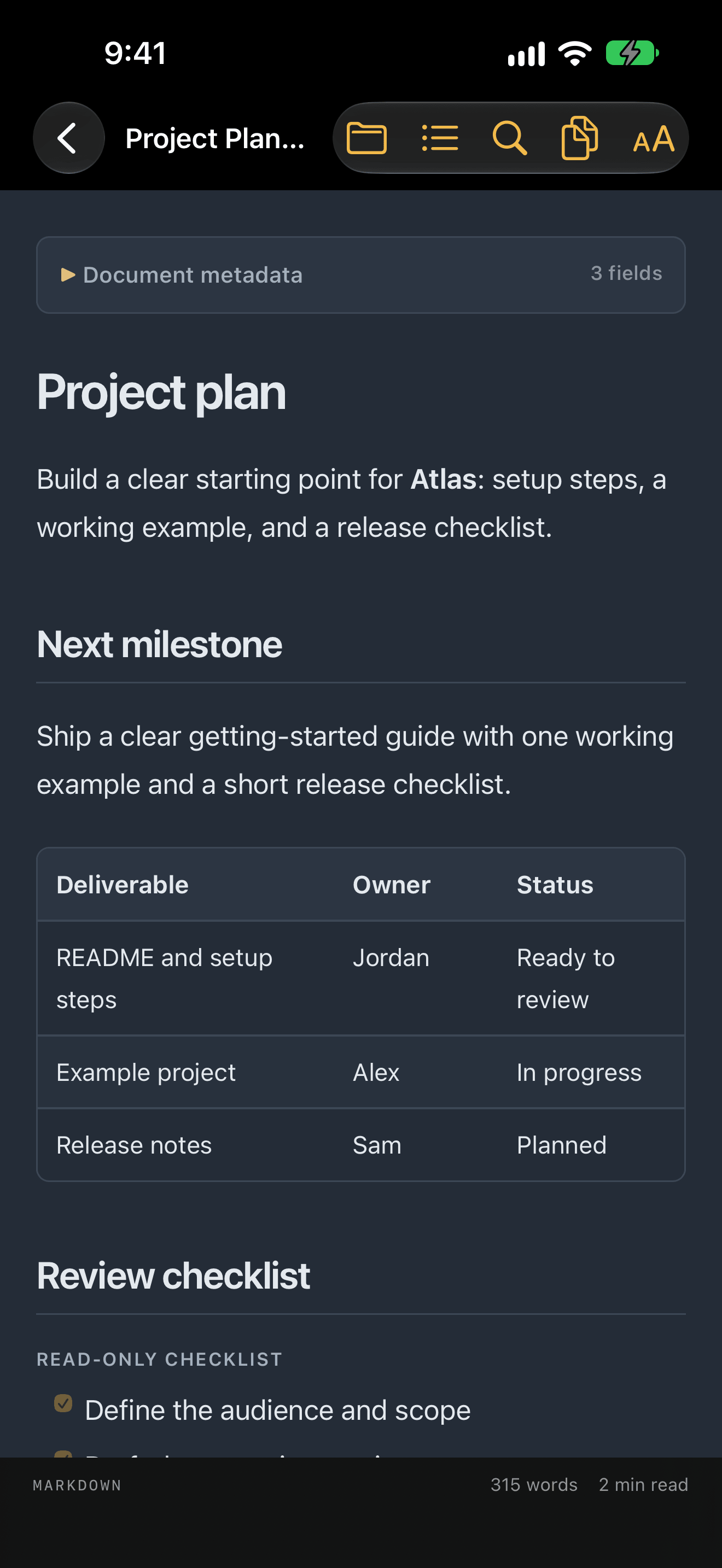
Tap the folder button in Rule Markdown and choose your document from Files. A file in iCloud Drive or another provider may need to download first.
On iPad
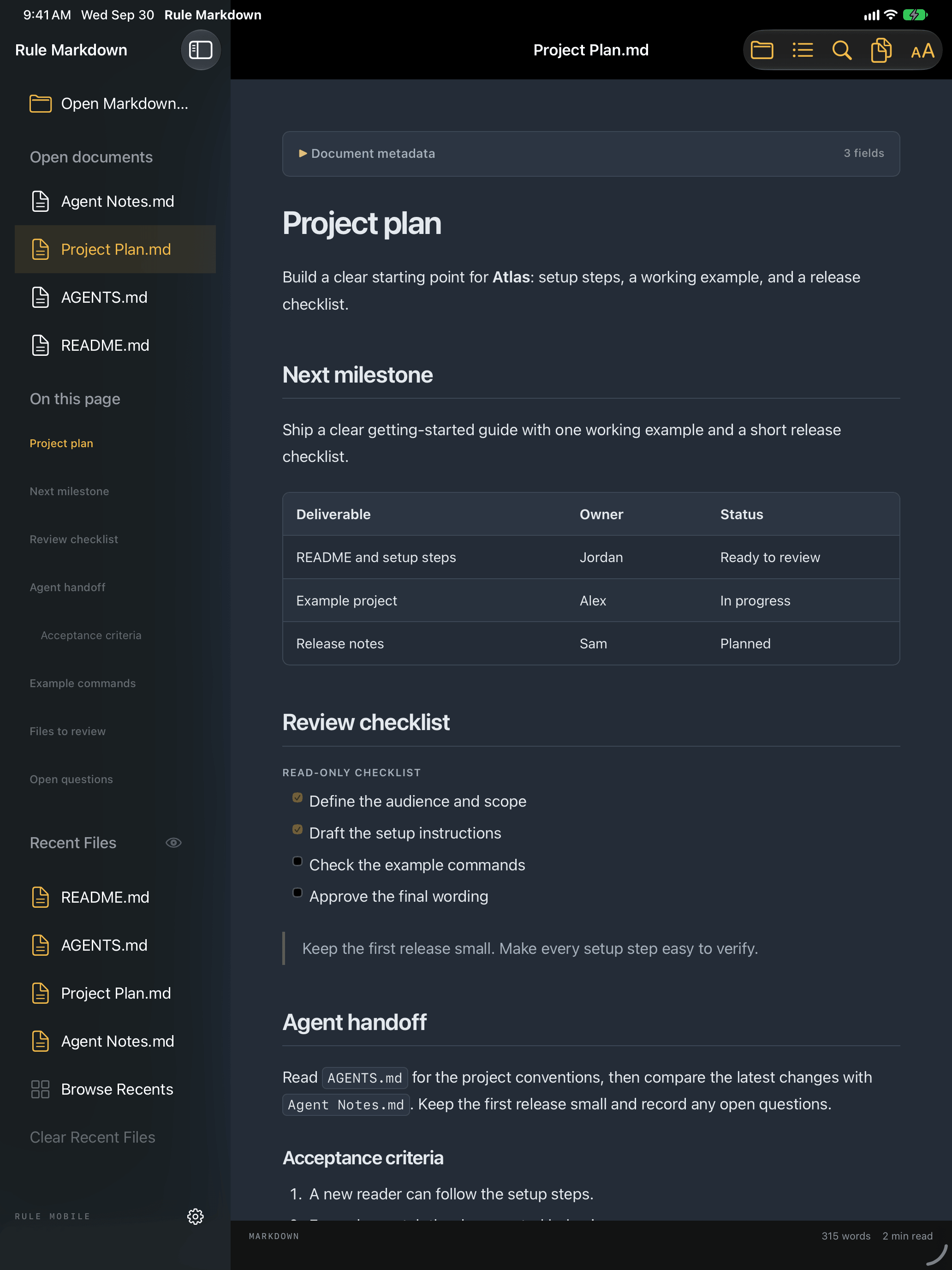
Use the same file picker, with room for the document and its sidebar on a larger screen. If another app offers Open in Rule Markdown, you can use that action too.
The Files app on iPhone or iPad may use its own Markdown preview. Open the document inside Rule Markdown to use the full reader.
See the opening and Quick Look instructionsYour files. Your device.
Markdown renders locally. Read offline once your file is available on the device. No account, ads, or analytics SDK. Rule Markdown does not upload your documents to Rule Mobile.
Allow a folder for supported local images and linked notes. Remote images are blocked. Sharing, cloud providers, and external links work through the services you choose.
Read the app privacy policyA few things about .md files
Why do I see # signs, brackets, and code fences?
Those are Markdown's formatting marks. A # can introduce a heading, brackets can describe a link, and code fences mark an example. The source is readable plain text; a Markdown reader shows its supported formatting as a page.
Can I read Markdown from an AI tool?
Yes. Open a supported Markdown text file saved from your AI tool or project folder. Rule Markdown reads the file you provide. It does not connect to an AI service, import a ChatGPT account archive, generate responses, or execute the document's instructions.
Is AGENTS.md an AI memory file?
AGENTS.md is commonly used for coding-agent instructions and project context. Tools can store working notes and history separately. Rule Markdown lets you read supported .md files; your agent controls how it uses them.
Can I edit the document or check off tasks?
Rule Markdown is a reader. The original file stays unchanged, and checkboxes reflect its saved state. Use your editor for changes, then reload the document to read the saved version.
Which files and devices are supported?
Open .md, .markdown, .mdown, .mkd, and .mdx text files up to 8 MiB. MDX scripts and components do not run. Requires macOS 14 or later, or iOS/iPadOS 17 or later.
Your next .md file has a place to open.
Open saved Markdown from your files. Read locally. Keep the original intact.