
How to Build Super Mario Eclipse on macOS for Swiss/GameCube
Rule Mobile Retro Guide
 Rule Mobile Retro Guide
Super Mario Eclipse on macOS for Swiss and GameCube.
A clean, repeatable macOS workflow for building Super Mario Eclipse v1.1.0 from your own Super Mario Sunshine USA backup, verifying the output, and copying it to SD storage for Swiss.

This guide assumes you own Super Mario Sunshine and made your own personal clean ISO backup. Do not download, upload, sell, or redistribute commercial GameCube ISOs.
 Start the macOS build
Known-good result
Build the ISO, then verify it.
The tested result was Super Mario Eclipse v1.1.0. The final ISO is a normal GameCube image under 4 GB, so FAT32 splitting is not part of this workflow.

Real hardware focus
The tested copy booted successfully through Swiss after a clean SD-card recopy.

Exact base matters
Patch from an original unmodified Super Mario Sunshine USA ISO every time. Do not patch an older Eclipse ISO.
Hash before copying
The Eclipse patcher checks the same Sunshine base MD5, and the final output hash confirms the v1.1.0 build.

Copy clean to SD
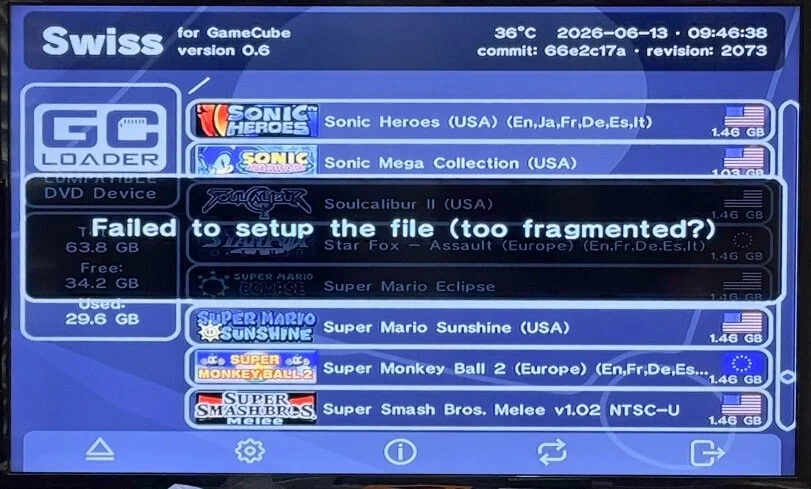
If Swiss reports Failed to setup the file (too fragmented?), fix the SD-card copy before rebuilding the patch.
Known-good output verification
- Final ISO
- Super Mario Eclipse.iso
- MD5
- caa546309e0443f7b47632b040a250d7
- SHA1
- 74b88a8a767fa7035152579711c68aaa93e620bc
- Game ID
- GMSE04
- Disc name
- Super Mario Eclipse
- Size
- 1,459,978,240 bytes
Inside the mod
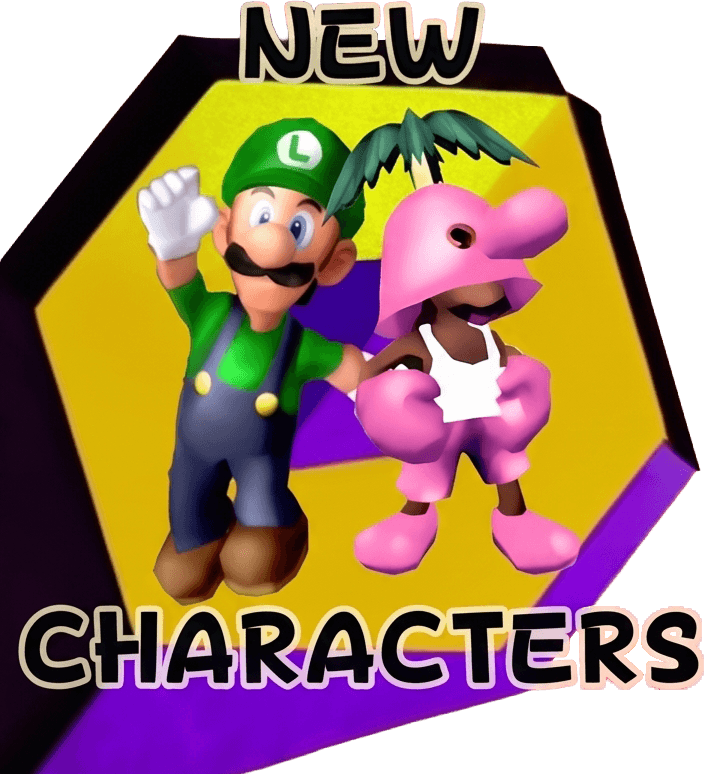
New characters, islands, and Sunshine-scale challenges.
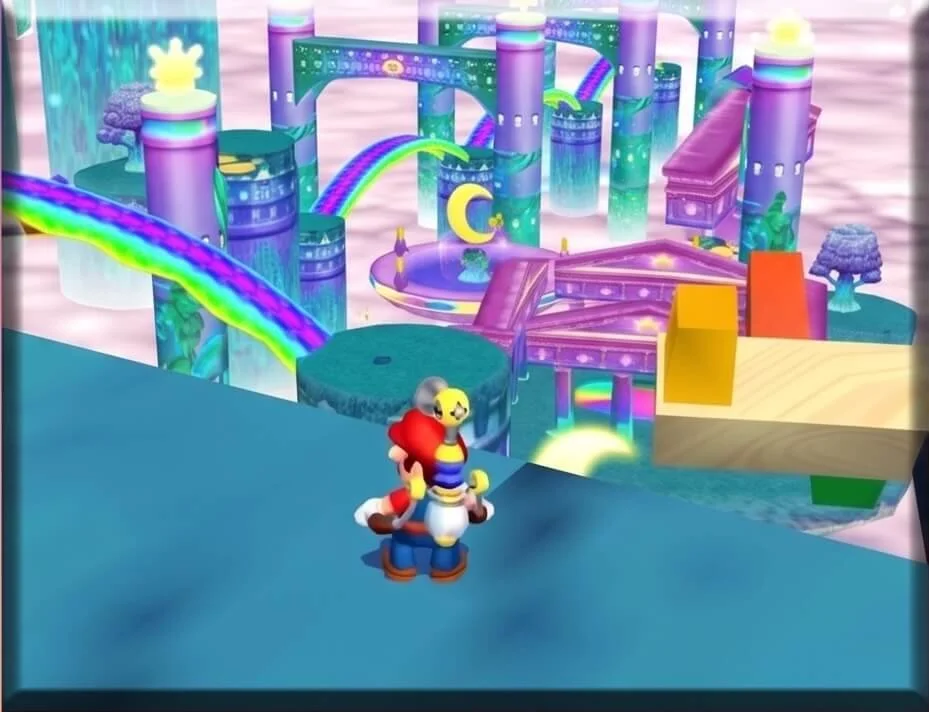
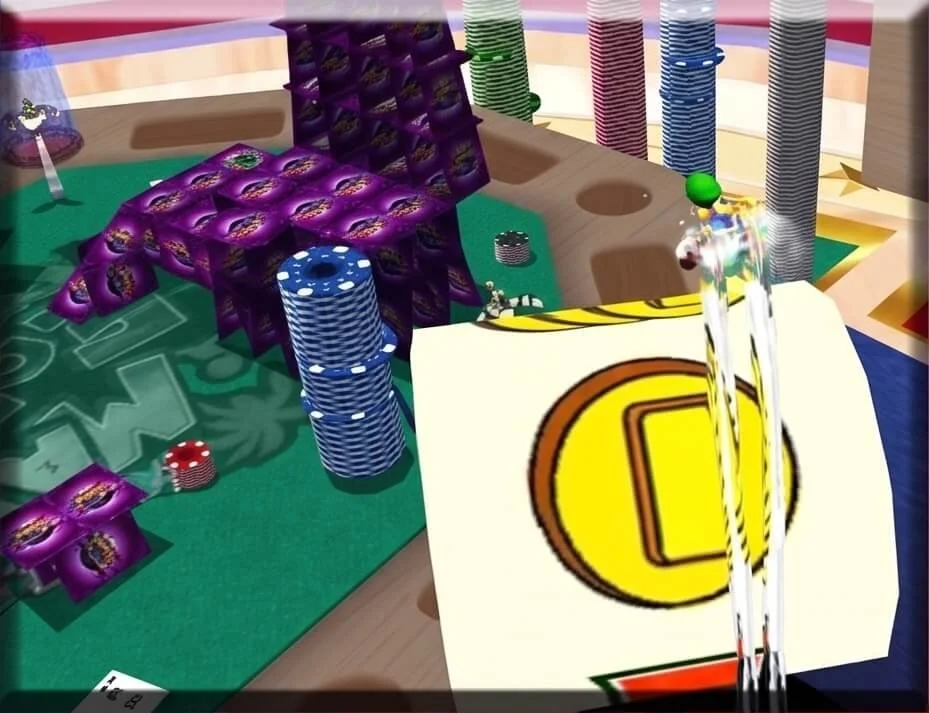
Super Mario Eclipse expands the Sunshine formula with additional playable characters, new environments, movement options, and fresh routes through the island setting.

Sources and tools
Use official downloads.
Use the official GameBanana release, project repository, WIT, xdelta3, and Swiss with the hash checks below. That gives you a clear v1.1.0 build path before copying it to SD.
 Official GameBanana page
Primary Super Mario Eclipse mod page and release context.
GameBanana download routeOfficial download path for the patch archive. Browser download may be cleaner than Terminal redirects.
Eclipse source repository Eclipse source repository
Source repository for the Super Mario Eclipse project.
Wiimms ISO Tool Wiimms ISO Tool
WIT is used to inspect the GameCube image and confirm identity details.
xdelta3 xdelta3
Super Mario Eclipse is distributed as an xdelta patch. This guide used xdelta3 3.1.0 locally.
Swiss Swiss
Swiss
GameCube homebrew loader used for the real-hardware boot test.
macOS workflow
Build from a clean Sunshine ISO.
Separate the base ISO, downloads, extracted patch files, tools, and final output. The clean folder structure makes it obvious what got patched and what should be copied to SD.
Create the workspace
Put your own clean dump at $HOME/SuperMarioEclipseBuild/input/Super Mario Sunshine (USA).iso.
mkdir -p "$HOME/SuperMarioEclipseBuild"/{input,downloads,patches,tools,output}
cd "$HOME/SuperMarioEclipseBuild"Install WIT locally
WIT is used to inspect and verify the final GameCube ISO.
cd "$HOME/SuperMarioEclipseBuild/tools"
curl -L -o wit-v3.05a-r8638-mac.tar.gz \
  "https://wit.wiimm.de/download/wit-v3.05a-r8638-mac.tar.gz"
tar -xzf wit-v3.05a-r8638-mac.tar.gz
export PATH="$HOME/SuperMarioEclipseBuild/tools/wit-v3.05a-r8638-mac/bin:$PATH"
wit versionInstall xdelta3
If you use Homebrew, this is the fastest path. Otherwise, use the official xdelta links above.
brew install xdelta
xdelta3 -V
The local working build used xdelta3 3.1.0. Any normal working xdelta3 3.x decoder should be fine for applying this patch.
Download and extract Super Mario Eclipse
GameBanana may serve the archive through browser redirects. If Terminal does not produce a valid archive, download from the official page in your browser and place the file in downloads.
cd "$HOME/SuperMarioEclipseBuild"
curl -L \
  -o "downloads/super_mario_eclipse_v110.7z" \
  "https://gamebanana.com/mods/download/536309"

mkdir -p "patches/SuperMarioEclipse_v1.1.0"
bsdtar -xf "downloads/super_mario_eclipse_v110.7z" \
  -C "patches/SuperMarioEclipse_v1.1.0"

find "patches/SuperMarioEclipse_v1.1.0" -name "*.xdelta" -print- Tested archive
- super_mario_eclipse_v110_ac483.7z
- Expected patch path
- patches/SuperMarioEclipse_v1.1.0/patches/v1.1.0.xdelta
Verify the clean base ISO
Stop here if the MD5 does not match. The Eclipse patcher itself checks this same base MD5 and rejects mismatches.
cd "$HOME/SuperMarioEclipseBuild"
md5 -r "input/Super Mario Sunshine (USA).iso"
shasum -a 1 "input/Super Mario Sunshine (USA).iso"
wit DUMP "input/Super Mario Sunshine (USA).iso" | sed -n '1,80p'- Required MD5
- 0c6d2edae9fdf40dfc410ff1623e4119
- Required SHA1
- 8d094f2c5c112aba9660f0478b16c7f2caf63cbf
- Do not patch PAL Sunshine, Japanese Sunshine, NKit, RVZ, CISO, GCZ, scrubbed, or rebuilt images.
- Do not patch an older Super Mario Eclipse ISO, Super Mario Sunburn, or any other Sunshine mod.
Build the ISO
Apply the v1.1.0 xdelta patch directly. Ignore the Windows .bat helper on macOS.
cd "$HOME/SuperMarioEclipseBuild"

BASE="input/Super Mario Sunshine (USA).iso"
PATCH="patches/SuperMarioEclipse_v1.1.0/patches/v1.1.0.xdelta"
OUT="output/Super Mario Eclipse.iso"

xdelta3 -d -f -s "$BASE" "$PATCH" "$OUT"Verify the final output
Do not copy the file to an SD card until these checks pass.
md5 -r "$OUT"
shasum -a 1 "$OUT"
wit DUMP "$OUT" | sed -n '1,100p'- Expected MD5
- caa546309e0443f7b47632b040a250d7
- Expected SHA1
- 74b88a8a767fa7035152579711c68aaa93e620bc
- WIT essentials
- ISO/GC, disc=GMSE04, boot=GMSE04, Disc name: Super Mario Eclipse, NTSC/USA, Files: 479
Swiss SD card
Fix fragmented-copy failures cleanly.
The first hardware attempt failed with Failed to setup the file (too fragmented?). The local ISO was valid, so the fix was SD-card copy hygiene, not rebuilding a different ISO.
SD="/Volumes/NO NAME"
ISO="$HOME/SuperMarioEclipseBuild/output/Super Mario Eclipse.iso"
NAME="Super Mario Eclipse.iso"

rm -f "$SD/$NAME" "$SD/$NAME.copying"
rm -f "$SD/Super_Mario_Eclipse_v1.1.0.iso" "$SD/Super_Mario_Eclipse_v1.1.0.iso.copying"
rm -f "$SD/Super_Mario_Eclipse_v1.1.0_WIT_REWRITE.iso"

cp -X "$ISO" "$SD/$NAME.copying"
sync
mv "$SD/$NAME.copying" "$SD/$NAME"

dot_clean -m "$SD"
find "$SD" -name '._*' -print -delete
sync

md5 -r "$SD/Super Mario Eclipse.iso"
shasum -a 1 "$SD/Super Mario Eclipse.iso"
diskutil eject "$SD"- The SD copy should match MD5
caa546309e0443f7b47632b040a250d7. - Keep one clean working file on the SD card:
Super Mario Eclipse.iso. - Launch Swiss, browse to the ISO, press
A, and boot normally.
What not to mix in
Textures are not the hardware ISO.
Super Mario Eclipse packages may include extras for emulator presentation. Keep the GameCube hardware build focused on the ISO patch.

Dolphin extras
Texture packs and ReShade presets are Dolphin-side enhancements. They do not belong inside the real GameCube ISO build and are not needed for Swiss hardware booting.

Hardware input
For GameCube hardware, build the ISO only from Super Mario Sunshine (USA).iso and v1.1.0.xdelta.
Mistakes to avoid
Do not patch the wrong thing.
Most Super Mario Eclipse build issues come from wrong base images, using Windows helper files on macOS, confusing emulator extras with the ISO, or messy SD-card copies.
Patching the wrong Sunshine file
The correct base MD5 is 0c6d2edae9fdf40dfc410ff1623e4119. If your base is NKit, RVZ, CISO, PAL, Japanese, already patched, or scrubbed, it is not the known-good input.
Updating from an older Eclipse ISO
Do not patch an older Super Mario Eclipse ISO to make v1.1.0. Patch from the original unmodified Super Mario Sunshine ISO every time.
Using the Windows batch path on macOS
The archive includes _DRAG SUNSHINE ISO HERE_.bat, bin/cecho.exe, and bin/xdelta.exe. On macOS, use your local xdelta3 command directly.
Confusing optional Dolphin texture packs with the hardware ISO
Texture packs and ReShade presets are emulator-side enhancements, not part of the Swiss hardware ISO path.
Treating a fragmented-copy error as a bad patch
If the local Eclipse ISO validates with MD5 caa546309e0443f7b47632b040a250d7, clean the SD-card copy before rebuilding.
Copying directly over a failed SD-card file
Delete and recopy with a temporary .copying name. If the SD card is heavily fragmented and Swiss still fails, back it up, reformat it, and copy the large ISO files back cleanly.
Leaving duplicate Eclipse files on the SD card
Do not leave Super_Mario_Eclipse_v1.1.0.iso, Super_Mario_Eclipse_v1.1.0_WIT_REWRITE.iso, and Super Mario Eclipse.iso side by side.

Leaving macOS hidden files on the card
Use cp -X, dot_clean -m "$SD", and delete ._* AppleDouble files so Swiss stays tidy.
Reference links
Keep the trail auditable.
These links support the build path in this guide: the official GameBanana release, the source repository, WIT for ISO inspection, and Swiss for the GameCube hardware boot test.


