
 EFUGY3D Slicer Support
Rule Mobile support
Help for EFUGY 3D Slicer
EFUGY helps you import, preview, slice, review, and export 3D-print files from your iPhone or iPad. This page is here for setup questions, bug reports, printer profile questions, and feedback.
Get Started
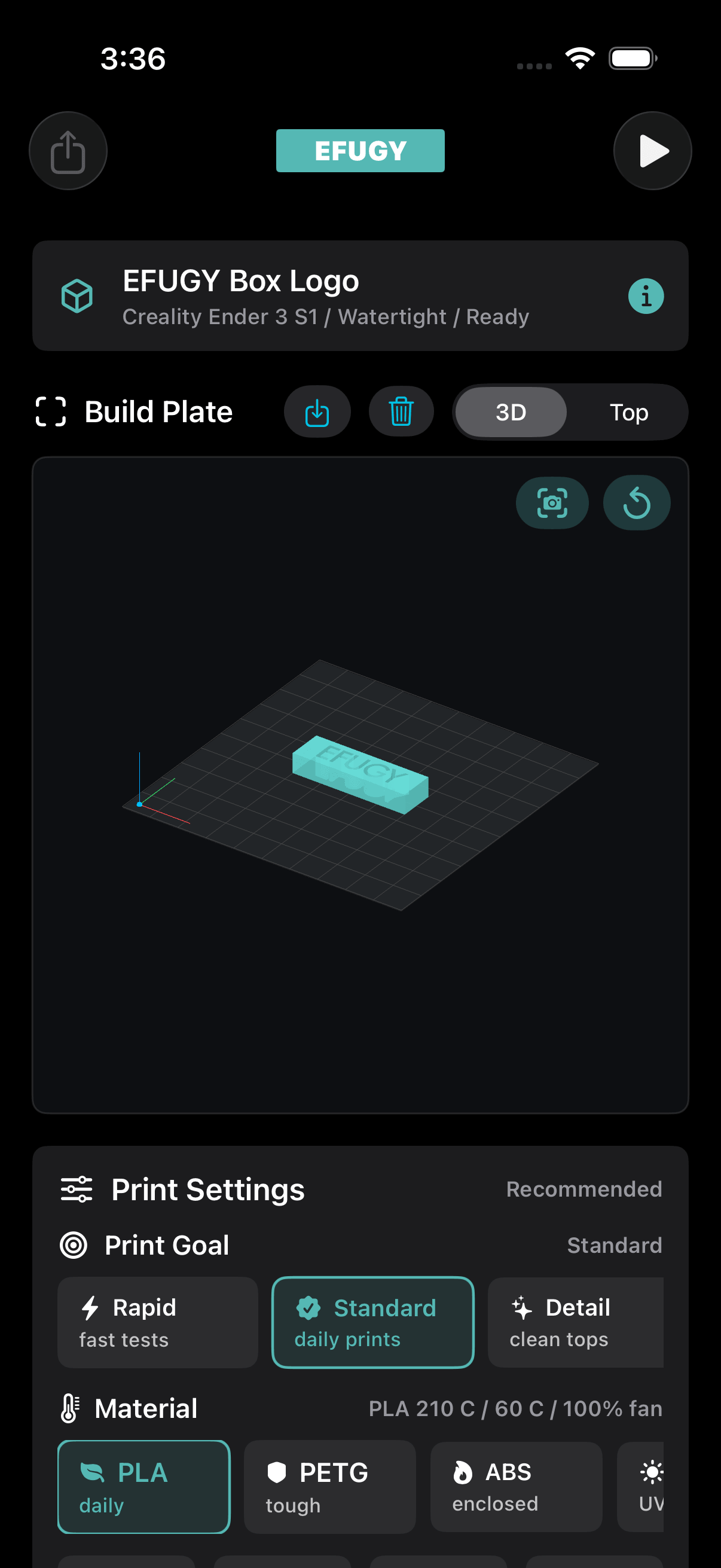
- Import an STL or OBJ model from Files, iCloud Drive, AirDrop, or another app.
- Choose a printer profile, material, print goal, quality, infill, and support option.
- Preview the model and generated toolpath before exporting.
- Export G-code and review printer compatibility before printing.
We Can Help With
- Importing STL, OBJ, and G-code files.
- Choosing printer, material, nozzle, and support settings.
- Understanding mesh warnings, build volume warnings, and G-code safety messages.
- Reporting crashes, layout issues, missing profiles, or incorrect printer settings.
Send Useful Details
- Include your iPhone or iPad model and iOS version.
- Include the EFUGY app version, printer model, nozzle size, and material.
- Describe the model format and where it came from.
- Attach screenshots or a screen recording when the issue is visual.
Safety Note
3D printers are mechanical and thermal devices. Always review exported G-code, confirm temperatures and build volume, and supervise prints according to your printer manufacturer's guidance.
Frequently Asked Questions
What file types does EFUGY support?
EFUGY can import and preview STL and OBJ model files, and it can preview and export G-code for supported workflows.
Does EFUGY require cloud slicing?
No. EFUGY is designed as a local-first iOS slicer experience. Files and slicing workflows are handled on device unless you explicitly share or export a file.
What should I do if my printer profile looks wrong?
Contact support with the printer make, model, nozzle size, firmware flavor, bed size, and material. Screenshots of the profile screen are helpful.
Can I request a printer or material profile?
Yes. Send the printer model, manufacturer profile source if available, nozzle size, firmware, bed dimensions, and the materials you want to use.
How do I report a bug from inside the app?
Open the EFUGY menu, choose Report Bug, and send the pre-filled email. You can also use the Report a Bug button on this page.
Privacy note: Please do not send private passwords, payment card numbers, medical information, or sensitive personal information in support emails. Only attach model files if you are allowed to share them.
Still need help?
Contact Rule Mobile
Email us and we will review your question, bug report, or profile request.