

Arrange and slice several models on one Metal Build Plate in EFUGY 3D Slicer 4.0 for iPhone and iPad.
Place your parts, inspect the toolpath layer by layer, then save G-code or send it to a compatible printer. EFUGY’s model hub gives you 865 listings to start from, with models visible when the page opens.

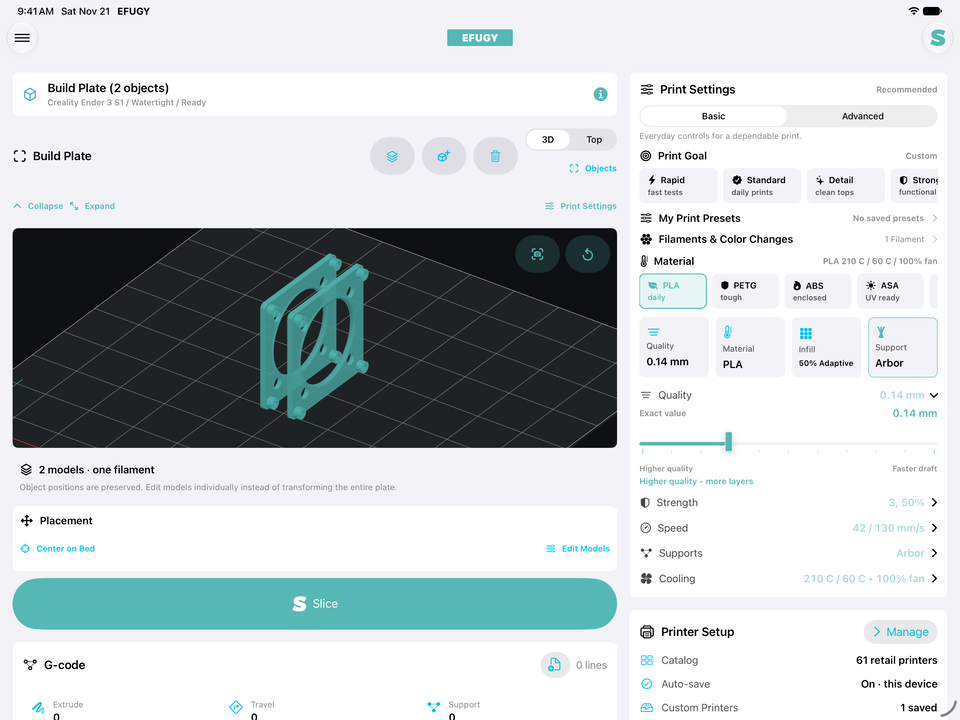
From the viewport to the printer
See what happens before you print.
Long-press a part in the 3D viewport to move, rotate, scale or duplicate it. Then open the preview to check what the slicer will send.
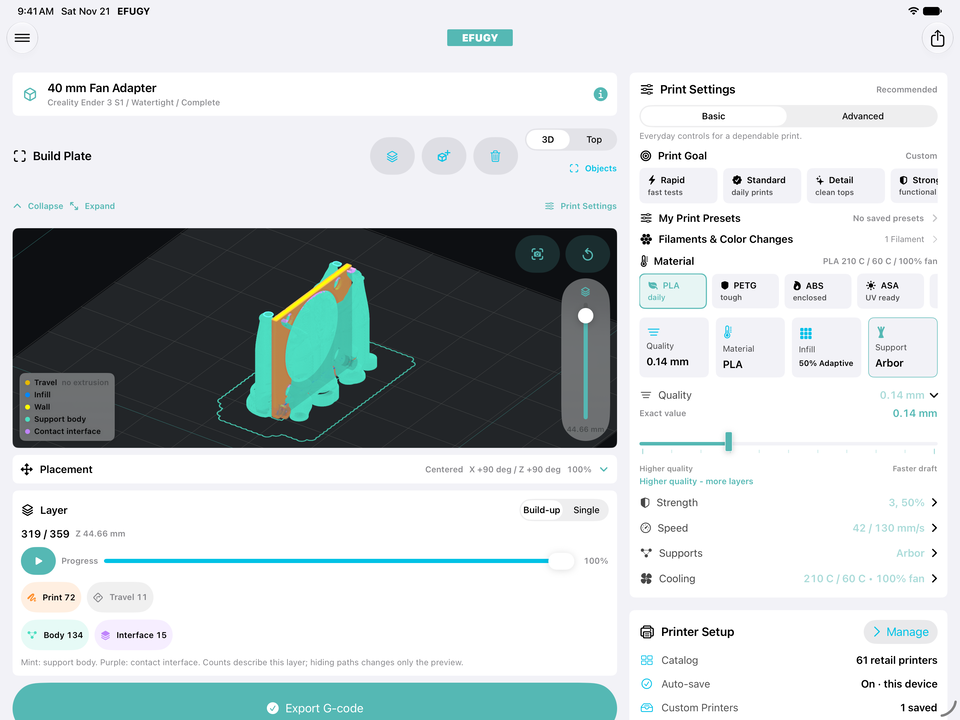
Separate the support layers.
Step through the toolpath one layer at a time. Turn Arbor Support Body and Support Interface on or off independently in the preview. The exported support settings stay as configured.
Layer-by-layer toolpath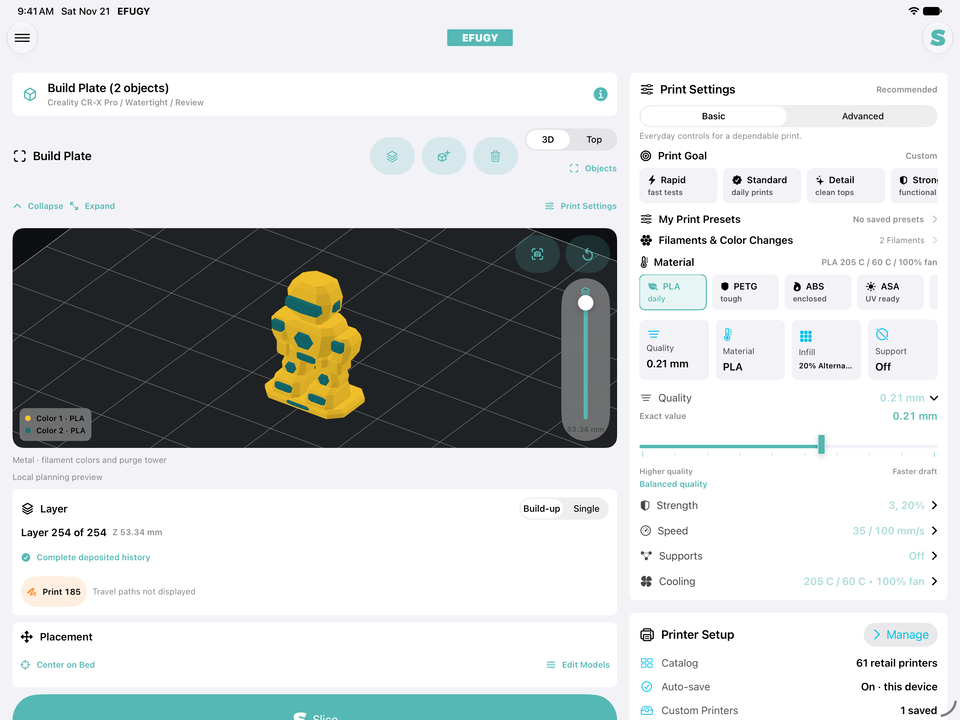
Put color changes on the right layer.
Schedule filament swaps with M600 or Klipper PAUSE. A shared-nozzle 2-Feeder Beta covers eligible Creality CR-X, CR-X Pro and Athorbot Buddy Couple setups.
 Marlin two-feeder profiles
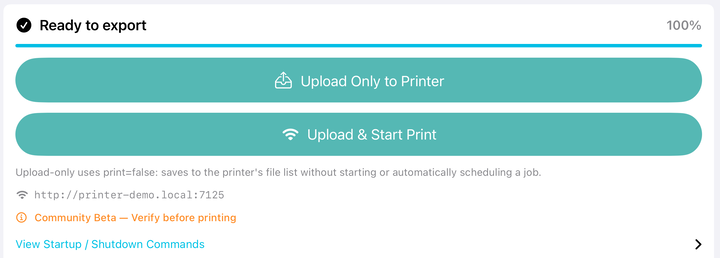
Choose how to hand off G-code.
Save the file or upload to a compatible Moonraker printer over local Wi-Fi. The 61 retail printer profiles cover 145 profile–nozzle pairs and include a Custom Klipper Start & End G-code editor for eligible setups.
 Moonraker local transfer
865 model listings
Find a model for the next plate.
Open a listing at the creator’s source to check the license, price and download format. You can bring a supported STL or OBJ into EFUGY when you’re ready to slice.
EFUGY 3D Slicer 4.0 is free. It requires iOS or iPadOS 17 or later, slices on-device, and is labeled Data Not Collected on the App Store.
