
EFUGY 3D Slicer is Live for iPhone and iPad
 Rule Mobile app release
EFUGY 3D Slicer is live.
Rule Mobile is officially introducing EFUGY 3D Slicer for iPhone and iPad: a mobile workflow for importing STL and OBJ models, tuning printer profiles, previewing toolpaths, and exporting G-code.

 App page
 iPhone and iPad
 STL & OBJ import
 G-code export
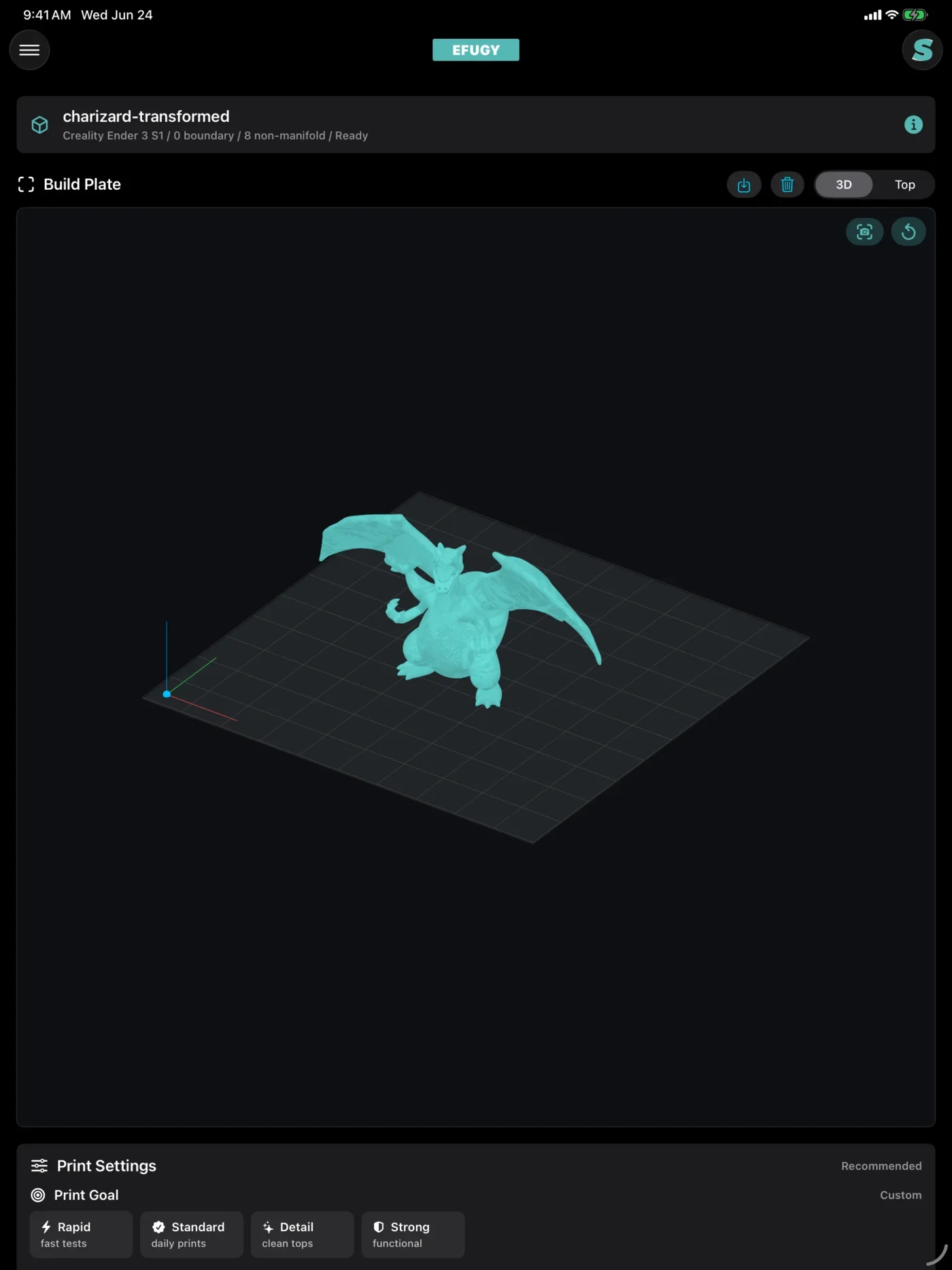
EFUGY is built for the moment between finding a model and starting a print. Instead of waiting until you are back at a desktop setup, you can bring a model into the app, inspect it on a build plate, choose the printer and material settings that match your machine, and review the generated path before export.
The release connects Rule Mobile's app studio with the maker side of the EFUGY brand: practical tools for people who collect models, test prints, tune profiles, and need a faster way to move from idea to G-code.
 From model to machine
A practical mobile path for common FDM print prep decisions.
Import
Open STL or OBJ models from Files, iCloud Drive, AirDrop, USB-C storage, or another iOS share workflow.

Prepare
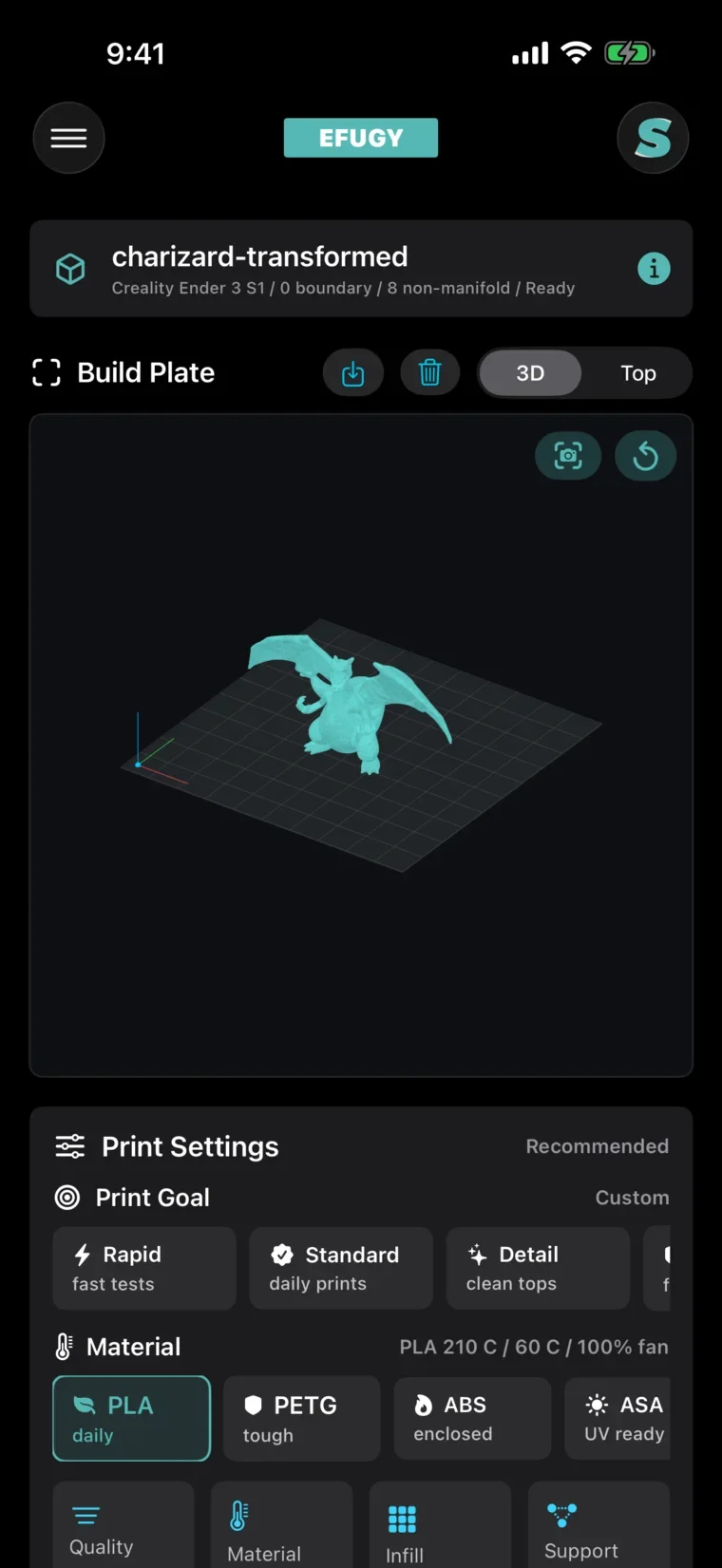
Choose printer, material, nozzle, quality, infill, support, and print-goal settings before slicing.

Preview
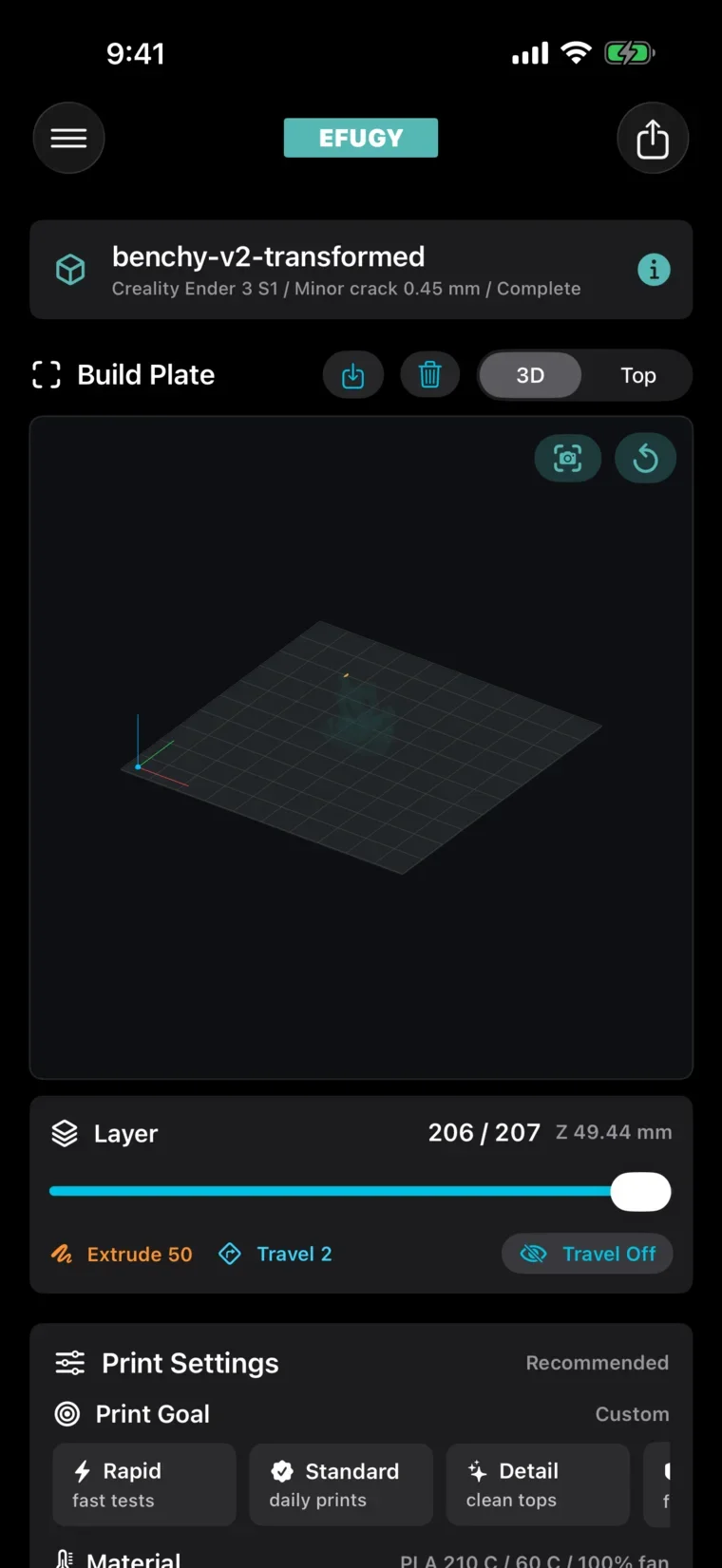
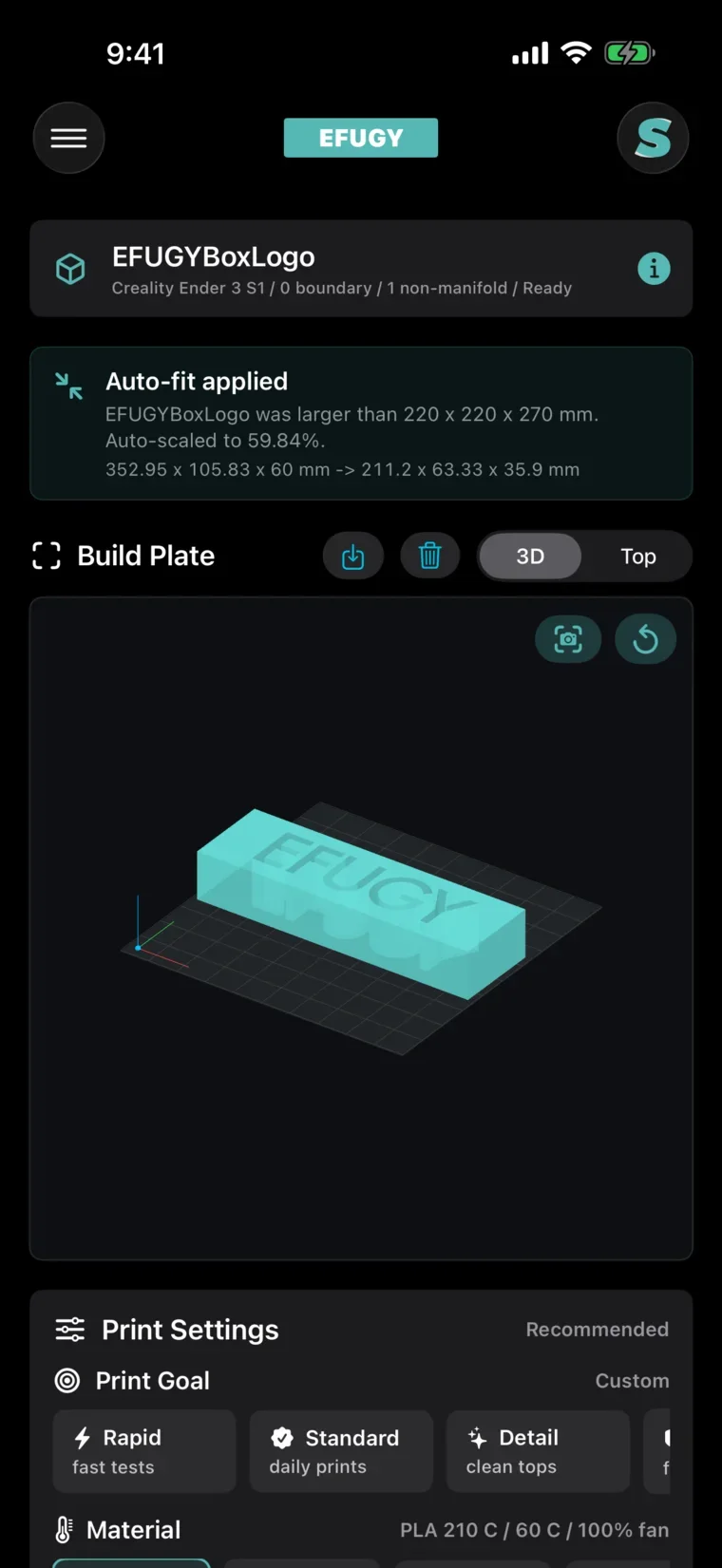
Review build plate fit, model placement, layer behavior, toolpath previews, and compatibility warnings.

Export
Generate G-code and move the file through the iOS document workflow you already use for your printer.
 What it looks like
Real app screens from the iPhone capture set.
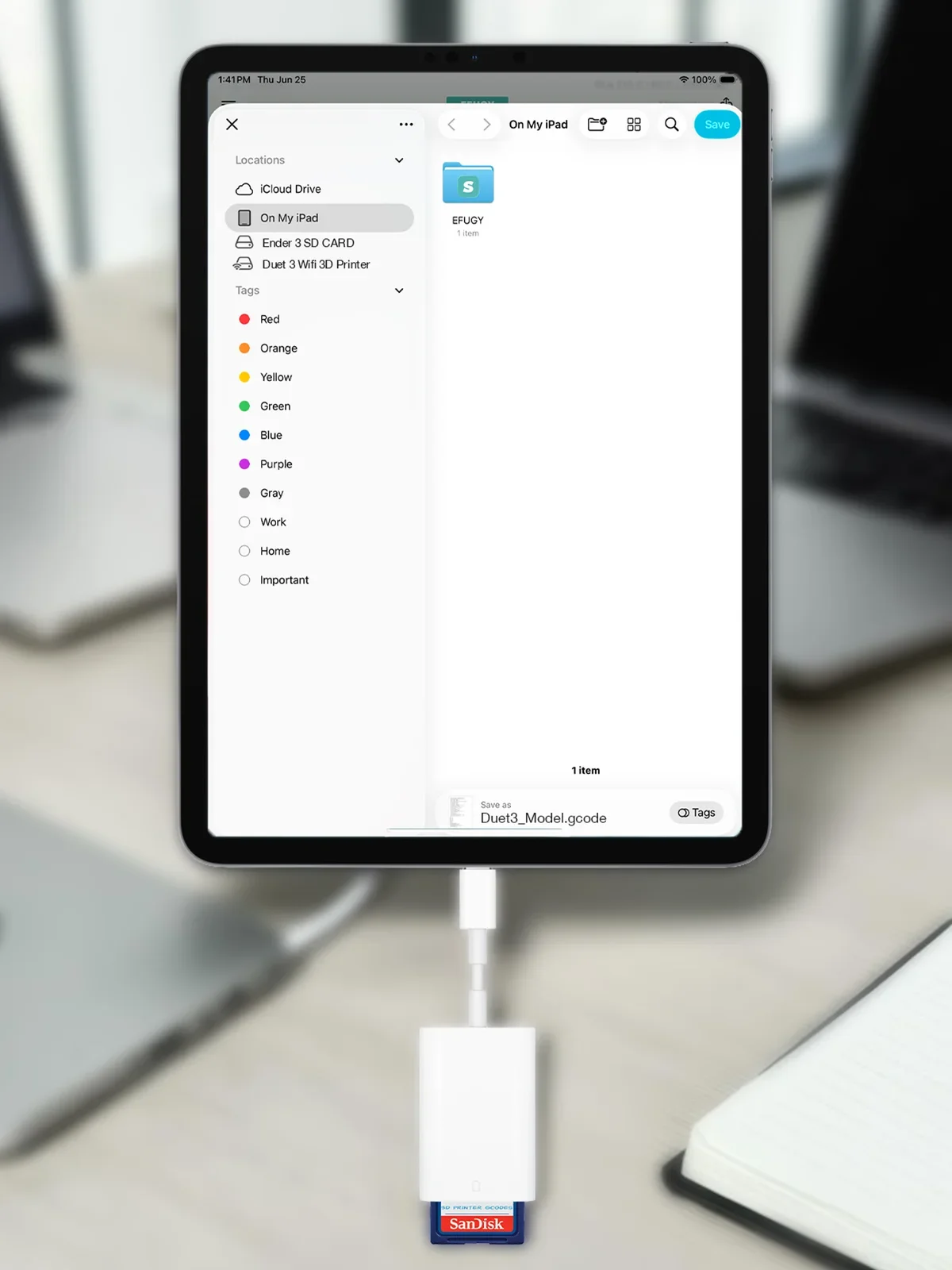
Save G-code where your printer can use it.
EFUGY is designed around a simple idea: slicing should end with a file you control. Export G-code, save it through Files, move it to local storage, or send it through the workflow that fits your printer setup.
- Use SD-card and USB-C style transfer paths when your printer workflow expects removable storage.
 Keep the review and export flow on the same device you use to find and manage files.
 Use the app page and support page for current compatibility and release details.
 Quick notes
The launch details most readers will want before tapping through.
What file types does EFUGY work with?
EFUGY is built around STL and OBJ model import, then G-code generation and export for supported printer profiles.
Does EFUGY require an account?
No account is required for the core slicing, preview, and export workflow. The App Store privacy listing currently shows Data Not Collected.
Which devices is this announcement focused on?
This launch post is focused on iPhone and iPad. The App Store page has the most current compatibility details.
Who is EFUGY for?
Makers, designers, engineers, hobbyists, and anyone who wants a faster way to inspect a model, choose practical settings, and export print-ready files from a mobile device.
Apple and App Store are trademarks of Apple Inc. Printer, model, and platform names belong to their respective owners.
